
Mobile App
Do this on your phone. Download the app for your device.


School ID: 16291
Email: Your school email
Click the button “Send Magic Link“
Check your school Gmail for the email and click the long blue link. You will be logged in to your Bromcom Student Portal.
Web Browser

This also works on mobile devices using a web browser.
Click the button “Login with Google account“. If prompted, enter your school Gmail details, and accept the agreement.

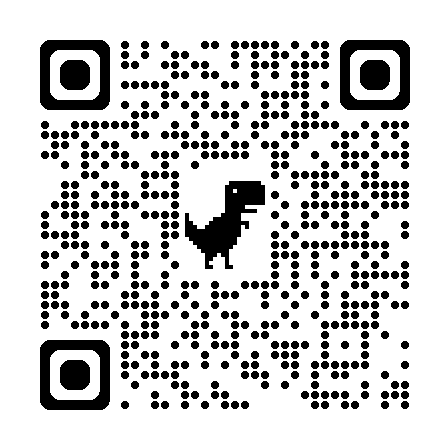
If you are on a PC or Laptop, use your phone to go to this page by taking a pic of the above QR Code.
The link to this page is portal.fcs.cymru/bromcom-student-portal